User Guide
Learn the essentials of your Intelligent Eyewear, including its components, controls, pairing, and everyday use.
*To set up Intelligent Eyewear, you must be 18 or older and have a valid Google Account. Without your own eligible account, setup cannot be completed.
Pairing for Android™ and iOS
Intelligent Eyewear supports Fast Pairing on Android 17 or later. For iOS, download the Glasses App from the App Store.
Glasses app coming soon
Android™
Compatible with Galaxy S, Galaxy S FE, Galaxy Z Fold, Flip, Fold Ultra series that support Android 17 Q2 or later and Google Pixel 7 series and above that support Android 17 Q3 or later
Compatible Smartphones
iOS
Compatible with iPhone 13 or later models with at least 6GB of memory that support iOS 26.6 or later
What’s Included
Glasses, Charging Case, Lens Cloth, Quick Start Guide/Safety & Warranty.
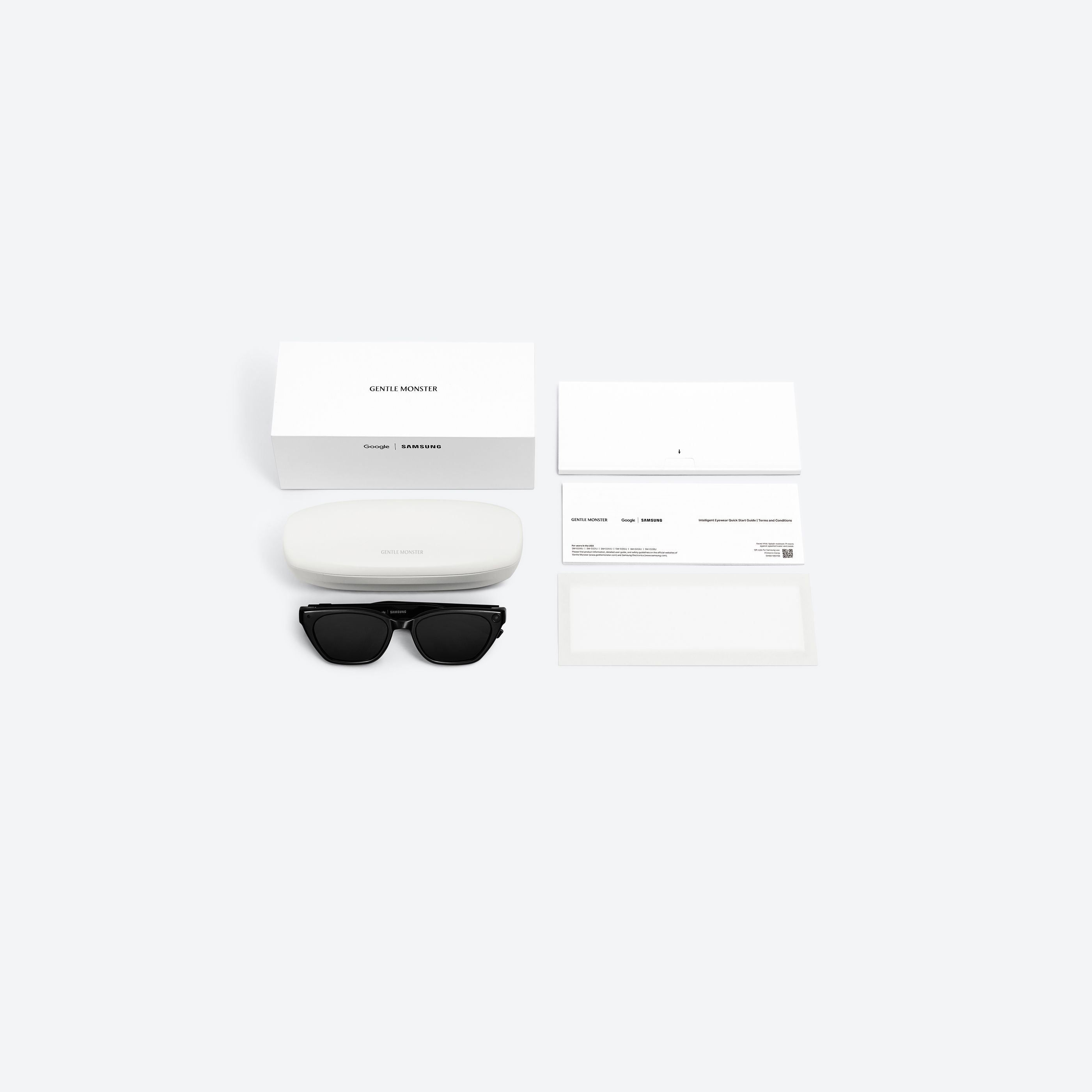
Device Layout

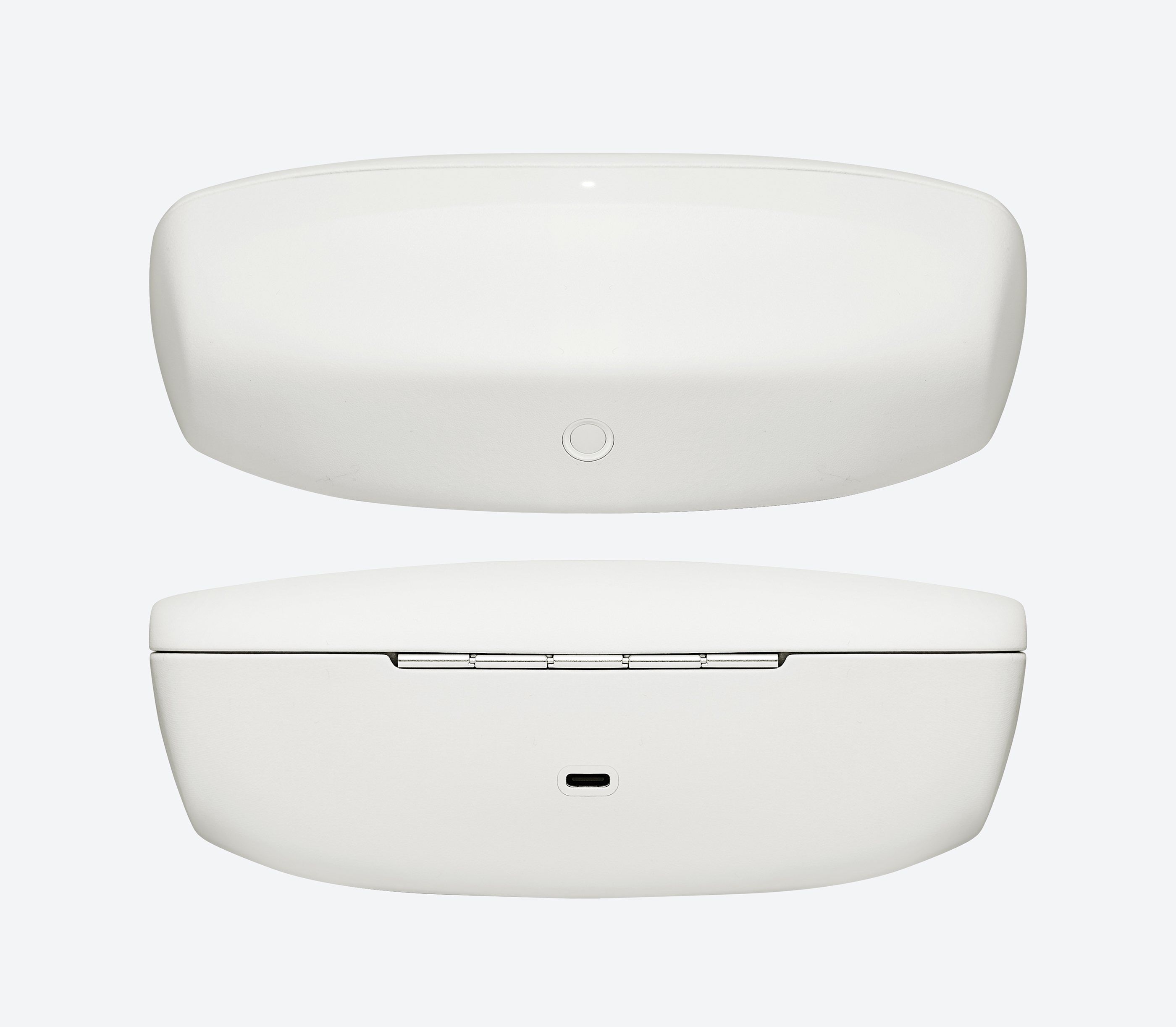
- 1Case Light
- 2Case Button
- 3Charger Port (USB TYPE-C)
Gestures by Function
- Tap the touchpad to play / pause / resume audio.
- Swipe forward with one finger to skip tracks or fast-forward in media.
- Swipe backward with one finger to go to the previous track.
- Tap the touchpad to receive calls.
- Swipe backwards with one finger to end call.
- Swipe forward with two fingers to raise media volume.
- Swipe backward with two fingers to lower media volume.
- Tap and hold the touchpad to invoke Gemini.
- Swipe backwards to end the Gemini
- conversation.
- Single press the camera button to take a picture or end a video if one is being recorded.
- Press and hold to record video.
- Double press to start camera streaming in apps.
Frequently Asked Questions
Learn More
Explore additional information about safety and product support.
Check responses. Compatibility, availability, and age restrictions vary. Some features require setup or subscription. Google, Android, Gemini, Google Meet and other marks are trademarks of Google LLC.